.png?fit=max&auto=format&n=rExdh2xAS2_ywWU5&q=85&s=2336659947d2543be68f95bf2d539b85)

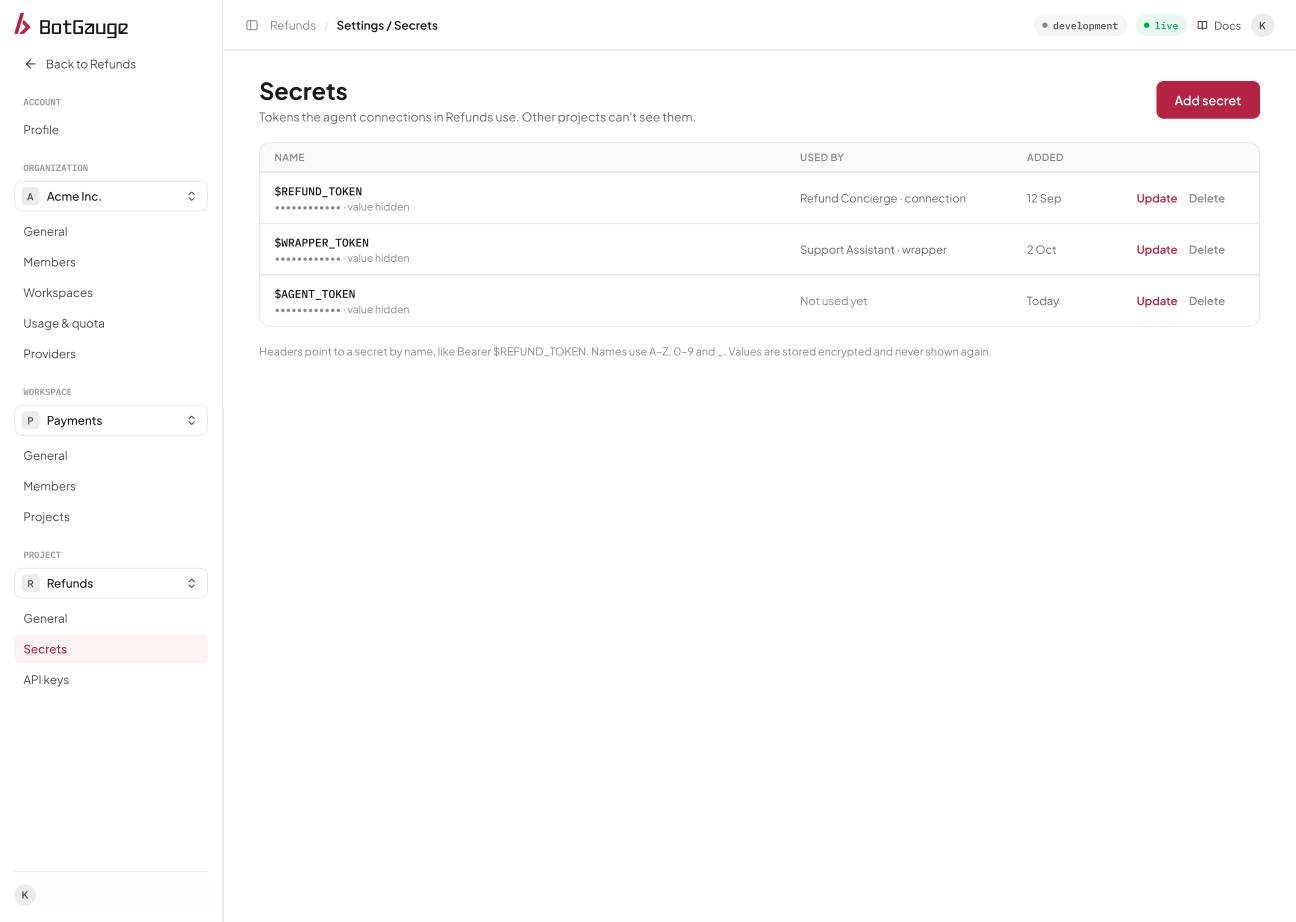
Project, Secrets. Values are never shown.
Add a secret
A workspace Member or Admin opens Project, Secrets, chooses Add secret, enters a name and a value, and saves.
Saving with a name that already exists replaces that secret’s value.
Use a secret
Reference a secret in a connection’s headers by name, for exampleBearer $ZENDESK_TOKEN. For a secret named REFUND_TOKEN, the header value is $REFUND_TOKEN.
Update a value
Choose Update value on a secret’s row, paste the new value, and save. The name stays the same. Everything that uses$NAME picks up the new value on its next run.
See what uses a secret
The Used by column lists each connection or guardrail provider that references the secret. It is empty when nothing uses the secret.Delete a secret
Choose Delete on a secret’s row and confirm. BotGauge refuses to delete a secret that something still uses, and it tells you which connections or guardrail providers reference it, so you know what to change first.Permissions
The Secrets settings screen is shown to workspace Members and Admins, and those roles can add, update, and delete secrets. The list endpoint itself is open to anyone in the workspace, and it returns only names and usage, never values.Store a secret for your agent
Open BotGauge to add a secret and use it in an agent connection.