.png?fit=max&auto=format&n=rExdh2xAS2_ywWU5&q=85&s=2336659947d2543be68f95bf2d539b85)

General
Organization, General shows the organization’s name and ID.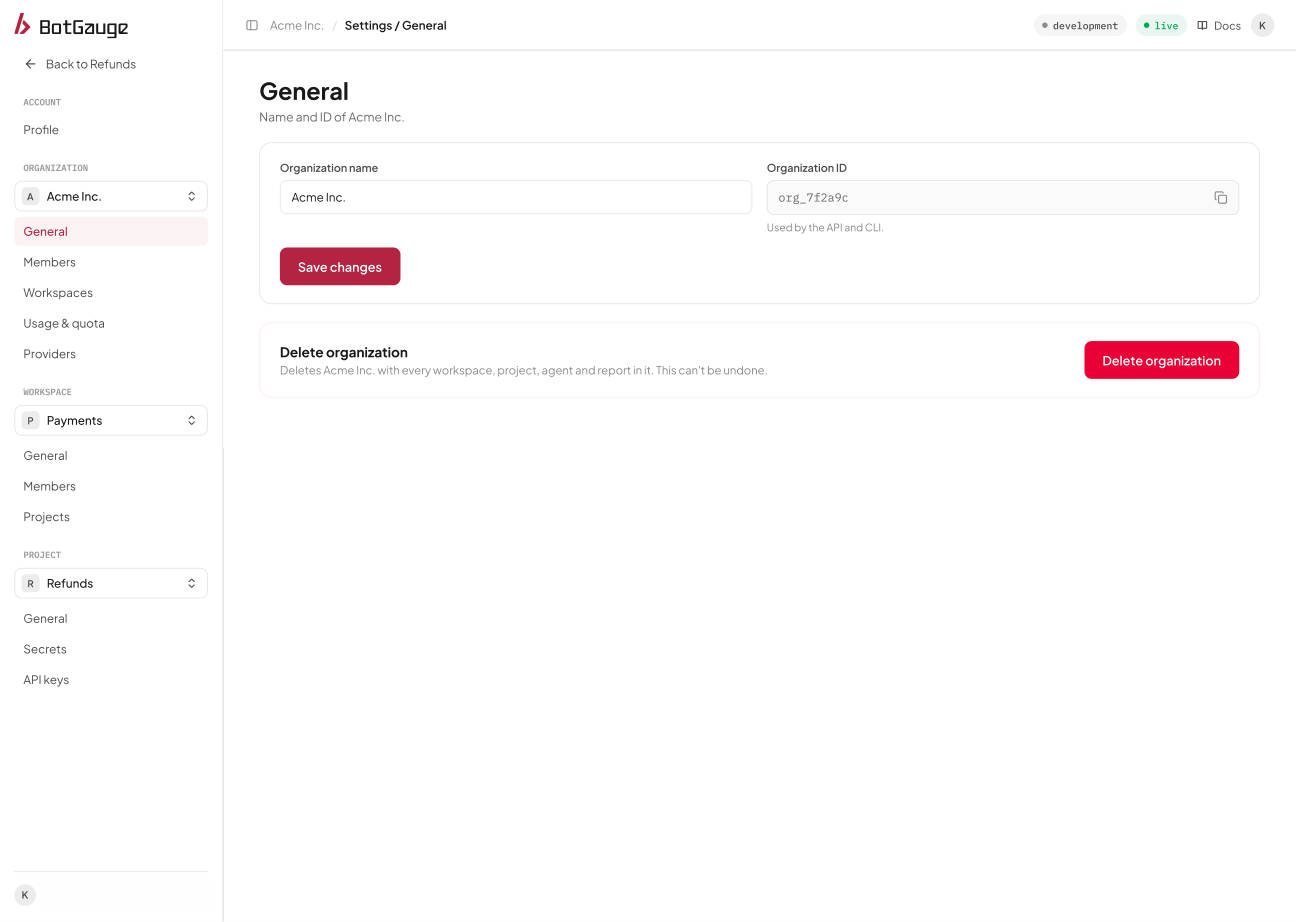
Organization, General.
Rename the organization
An org owner or admin edits the name and chooses Save changes. The new name appears for everyone in the organization.Delete the organization
Only an org owner can delete the organization. Deleting it removes every workspace, project, agent, and report in it, and everyone loses access at once. This can’t be undone from the console, so confirm with your team first.Workspaces
Organization, Workspaces lists every workspace with its member count and creation date. From here an org owner or admin can create a workspace. See Workspaces and projects.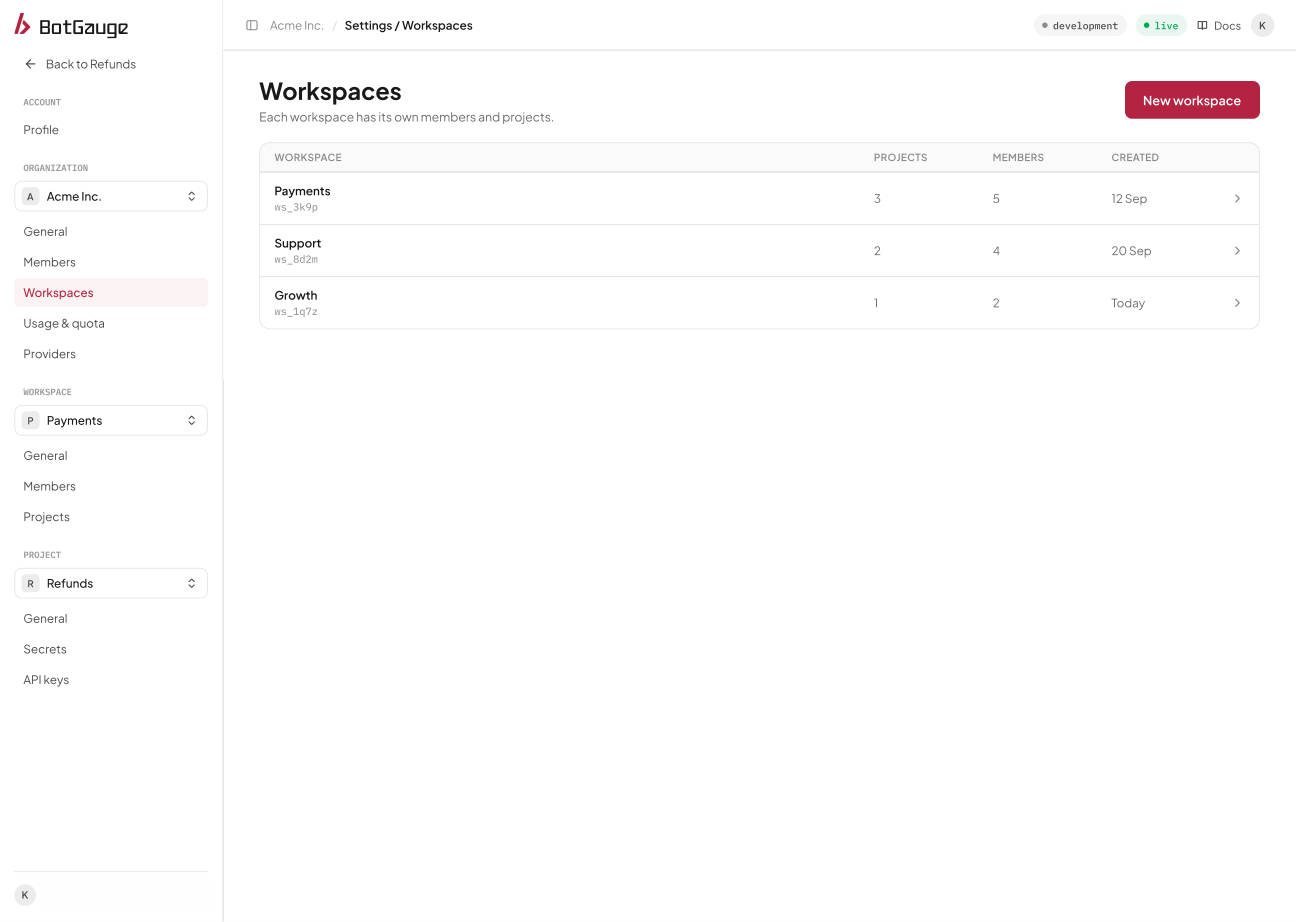
Organization, Workspaces.
Members
Organization, Members is where you invite people and set their roles and workspaces. See Members and invitations.Open organization settings
Sign in to BotGauge to rename your organization, manage workspaces, and invite members.