.png?fit=max&auto=format&n=rExdh2xAS2_ywWU5&q=85&s=2336659947d2543be68f95bf2d539b85)

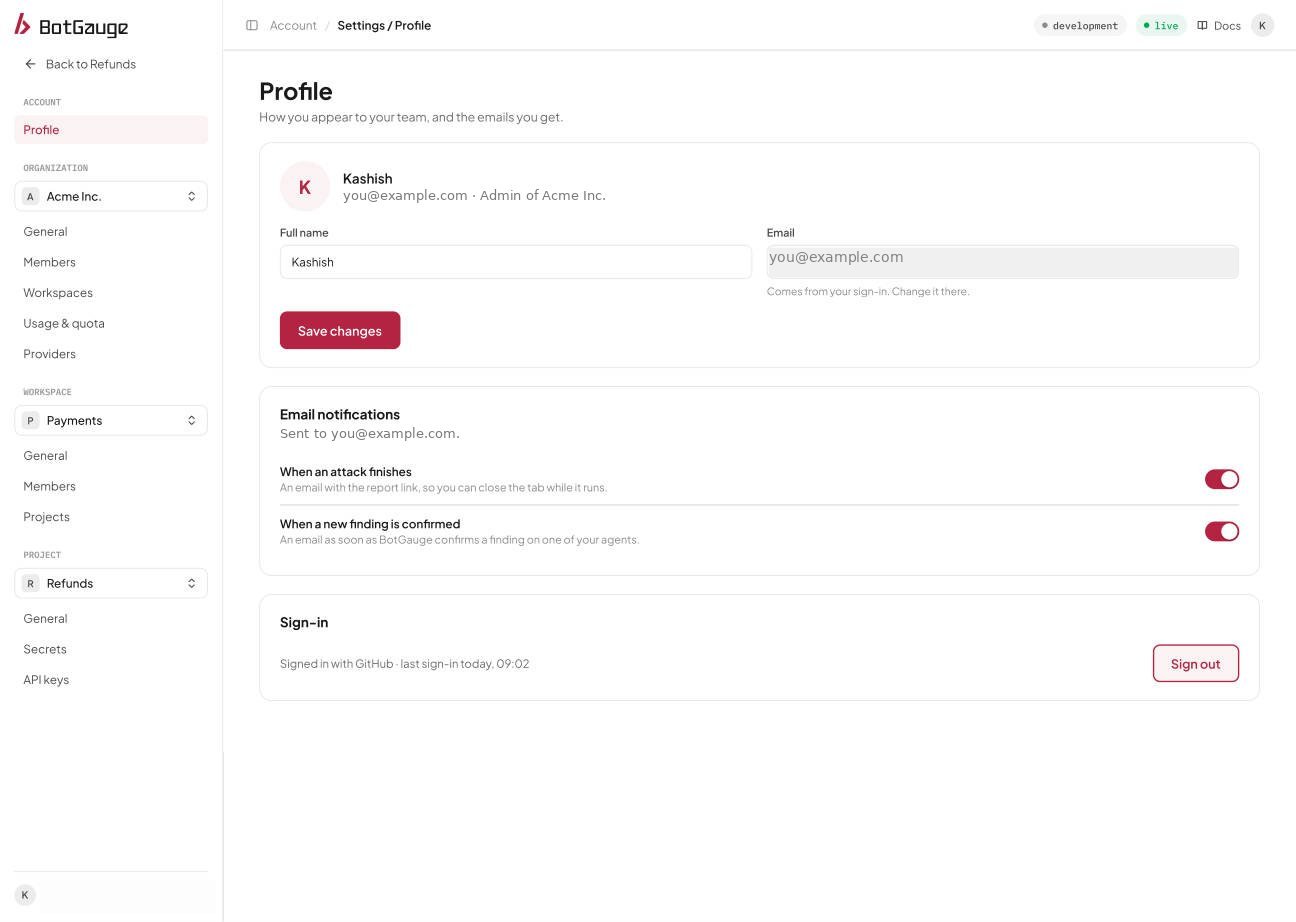
Account, Profile in the console.
Your name
Edit Full name and choose Save changes. Extra spaces are removed, and the name can’t be empty. The new name appears everywhere it is shown, including member lists and invitations you send. Your email address comes from your sign-in, so it can’t be changed here. The page also shows your role, for example “Member of” your organization.Email notifications
Depending on your role, the Profile page can show switches for two notifications sent to your email address.Sign in and sign out
The Sign-in section shows how you signed in, for example with GitHub or with email and password, and when you last signed in. Choose Sign out to end the session in this browser. Sessions in other browsers stay signed in.Update your profile settings
Sign in to BotGauge to edit your name and email notification preferences.