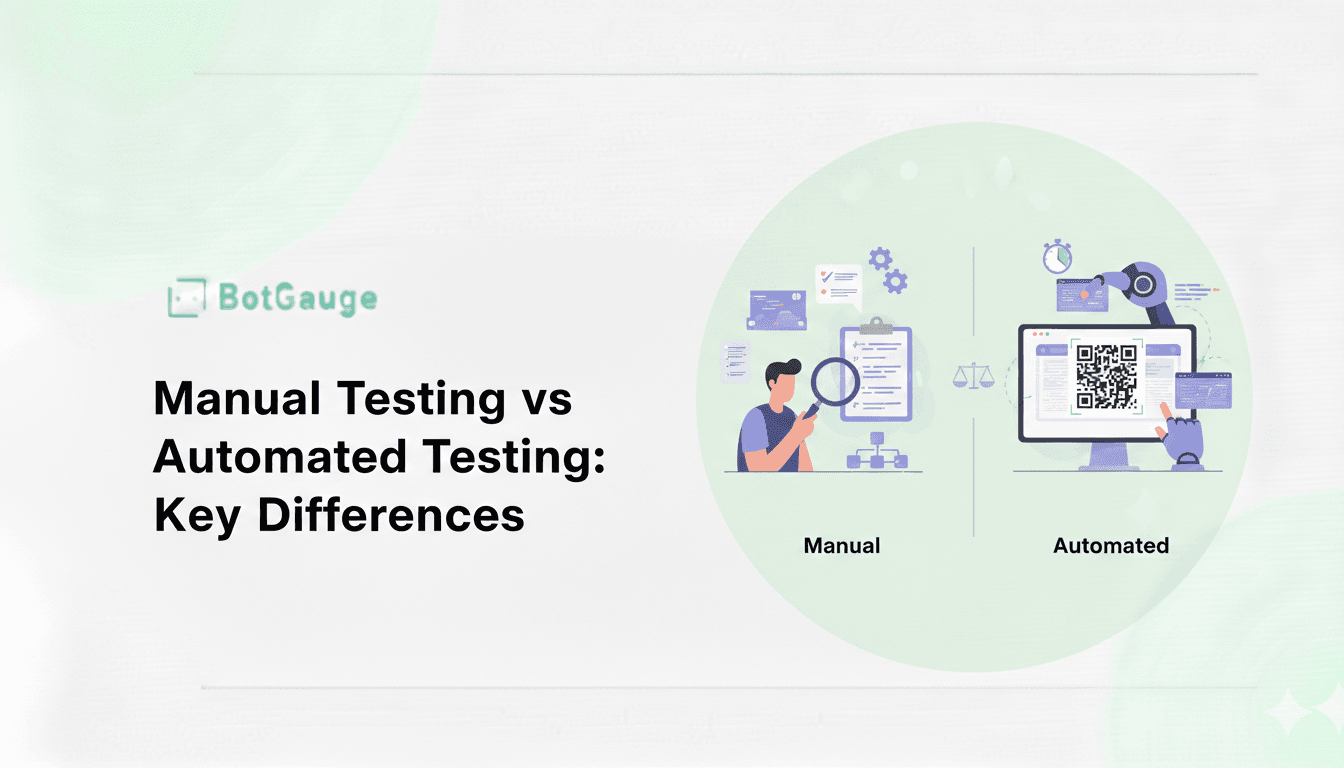
Manual testing is the process of a human tester manually executing test cases without automation tools, checking software behavior step by step against expected outcomes. Automated testing uses scripts and specialized tools to execute predefined tests and compare actual results against expected ones without human intervention. Neither approach has replaced the other. According to Capgemini’s World Quality Report, test automation adoption has reached roughly 58% of teams surveyed, yet manual testing remains present in nearly every organization’s QA process, because the two solve different problems rather than compete for the same job.
This guide breaks down exactly when each approach wins, what the real data says about adoption and cost, and how the strongest QA teams combine both rather than picking a side.
Quick Answer
Choose automated testing for repetitive, high-volume checks like regression, performance, and load testing, where consistency and speed matter most. Choose manual testing for exploratory testing, usability evaluation, and any scenario where human judgment catches issues a script would miss. Most mature QA teams run both: SmartBear’s State of Software Quality report found that 87% of QA teams have automated at least 21% of their testing, while 92% still perform manual testing in parallel.
Manual Testing vs Automated Testing at a Glance
| Factor | Manual Testing | Automated Testing |
|---|---|---|
| Execution | Human tester interacts with the application directly | Scripts and tools execute predefined test steps |
| Speed | Slower, limited by human execution time | Fast, can run thousands of checks in minutes |
| Consistency | Varies by tester, fatigue, and attention | Identical execution every time |
| Best for | Exploratory, usability, ad-hoc testing | Regression, load, performance, CI/CD pipelines |
| Upfront cost | Low, no tooling investment required | Higher, requires script development and maintenance |
| Long-term cost | Scales linearly with test volume and headcount | Drops per-test-run once scripts are built and stable |
| Skill requirement | Domain knowledge, critical thinking | Programming knowledge, tooling expertise |
| Human judgment | Central to the process | Absent unless paired with AI-driven analysis |
| Maintenance | None, tests are run fresh each time | Ongoing, scripts break when the UI or logic changes |
What Is Manual Testing?
Manual testing means a person sits down and interacts with the software the way an actual user would, clicking through flows, entering data, and watching for anything that breaks, looks wrong, or feels confusing. No scripts, no automation framework, just direct human observation against a set of expected outcomes.
Key Benefits of Manual Testing
Flexibility and adaptability. Manual testers can pivot immediately when they notice something unexpected. If a tester spots a confusing button placement while testing an unrelated feature, they can flag it on the spot. A script only checks what it was told to check.
User experience focus. Automated tests confirm that code behaves as written. They cannot tell you that a checkout flow feels clunky or that an error message is confusing. Human testers catch these judgment-based issues that no assertion statement can capture.
Exploratory testing. This is manual testing’s strongest use case. Testers actively hunt for edge cases and unexpected behavior without a predefined script, often finding the bugs that structured test cases never anticipated.
Immediate feedback with zero setup. There’s no framework to configure, no script to write and debug. For a one-off check or a hotfix verification, manual testing gets an answer faster than writing and running an automated test would.
What Is Automated Testing?
Automated testing uses tools and scripts to execute test cases and verify outcomes without a human clicking through each step. This ranges from simple unit tests checking a single function to full end-to-end scripts simulating an entire user journey across a browser.
Key Benefits of Automated Testing
Speed and efficiency. A regression suite that would take a human tester two full days to run manually can often execute in under an hour once automated, giving development teams fast feedback on every code change.
Consistency. A script performs the exact same steps in the exact same order every single time. It doesn’t get tired, distracted, or skip a step by accident, which eliminates a whole category of human error from the testing process.
Scalability. Automated testing handles large volumes of test cases and complex scenarios that would be impractical to repeat manually. This is exactly why regression suites, which need to run after every code change, are almost always automated first.
CI/CD integration. Automated tests plug directly into continuous integration pipelines, running on every commit or pull request without anyone needing to remember to trigger them manually.
Pros and Cons Compared
| Pros | Cons | |
|---|---|---|
| Manual Testing | Zero tooling cost, ideal for usability and exploratory testing, no programming skill required, adapts instantly to new scenarios | Slow at scale, inconsistent across testers and sessions, doesn’t suit CI/CD, limited coverage for large test suites |
| Automated Testing | Fast and repeatable, consistent results, strong for regression and performance testing, integrates with CI/CD | Higher upfront cost, requires programming skill, scripts need ongoing maintenance as the UI changes, blind to true user-experience issues |
When Should You Use Each? A Scenario-Based Breakdown
| Testing Type | Recommended Approach | Why |
|---|---|---|
| Regression testing | Automated | Same checks repeated after every release; ideal for scripting |
| Load and performance testing | Automated | Simulating thousands of concurrent users isn’t practical manually |
| Exploratory testing | Manual | Requires human curiosity and judgment, not a fixed script |
| Usability testing | Manual | Assessing “does this feel right” needs a human perspective |
| Smoke testing (pre-release sanity check) | Automated | Fast, repetitive, low-complexity checks suit scripts well |
| UI testing | Hybrid | Automated checks confirm elements render; manual review confirms it looks and feels right |
| Compatibility testing across devices | Manual (or hybrid with device farms) | Real-world rendering quirks often need a human eye |
| One-off hotfix verification | Manual | Writing a script for a single-use check rarely pays off |
What the Data Actually Shows
The debate over manual versus automated testing tends to get argued from opinion rather than evidence, so here’s what’s actually documented, with sources:
- Automation adoption has grown steadily but hasn’t eliminated manual testing. Capgemini’s World Quality Report puts test automation adoption at roughly 58% of surveyed organizations, while separate research on mobile QA teams found 87% have automated at least 21% of their testing, yet 92% still perform manual testing in parallel. The two approaches coexist in the large majority of real teams.
- The cost of skipping proper testing altogether is well documented. Research from IBM’s Systems Sciences Institute has long shown that a defect caught in production costs 15 to 100 times more to fix than the same defect caught during testing, regardless of which method caught it. This is the real argument for testing rigor generally, not a point in favor of either method specifically.
- Test maintenance is automation’s hidden cost. Multiple editions of the World Quality Report document that test maintenance consistently consumes 25 to 50% of QA budgets in mature automated suites. This is the tradeoff that doesn’t show up in a simple speed comparison: automation is fast to run, but not free to keep working as an application evolves.
How to Decide: Five Questions to Ask
1. How often will this test run? If it’s once or twice, manual testing usually wins on total time invested. If it will run on every release, automation pays for itself quickly.
2. Does this require human judgment? Usability, visual design, and “does this make sense” questions belong to manual testing. Automation cannot evaluate whether something feels intuitive.
3. What’s your team’s actual skill mix? Automated testing requires someone comfortable with a scripting language or a low-code automation tool. If that skill set doesn’t exist on the team yet, manual testing (or an AI-driven platform that generates automation without deep coding) is the realistic starting point.
4. What’s the budget runway? Automation has a real upfront cost in tooling and script development time. Teams with tight near-term budgets often start manual and automate incrementally as volume and repetition justify the investment.
5. Does this need to run in a CI/CD pipeline? If a check needs to block or approve a deployment automatically, it has to be automated by definition. Manual testing cannot participate in an automated pipeline gate.
Integrating Both: The Hybrid Approach That Actually Works
In practice, the strongest QA strategies never fully choose one side. The integration pattern that consistently works looks like this:
- Automate the repetitive core first: regression, smoke tests, and performance checks that run on every release.
- Keep manual testing for judgment calls: exploratory sessions, usability reviews, and new-feature testing where requirements are still shifting.
- Build a balanced test plan that explicitly assigns each test type to the method suited for it, rather than defaulting everything to whichever approach the team is more comfortable with.
- Revisit the split regularly. As a feature stabilizes, tests that started manual because requirements were still changing often become good automation candidates once the behavior is locked in.
Related reading: for a deeper look at where ad-hoc testing complements automated regression, and how no-code QA tools compare to traditional automation frameworks, both build directly on the hybrid model above.
Platforms built on agentic AI, including autonomous QA approaches like BotGauge, are increasingly narrowing this tradeoff by generating test coverage directly from product context and keeping it updated automatically, reducing the traditional cost of building and maintaining automation without giving up the judgment layer a human QA expert provides.
Frequently Asked Questions
Is automated testing always better than manual testing? No. Automated testing is faster and more consistent for repetitive checks like regression testing, but manual testing remains better for exploratory testing, usability evaluation, and situations where human judgment catches issues a script can’t.
Can small teams do automated testing without a dedicated QA engineer? Yes. Modern AI-driven testing platforms can generate and maintain automated tests without requiring deep scripting knowledge, making automation accessible to smaller teams that don’t have a dedicated automation engineer on staff.
What percentage of tests should be automated? There is no universal number. It depends on the application’s stability and release frequency. A practical starting point is automating stable, repetitive test cases first, such as regression and smoke tests, while keeping manual testing for new features and exploratory work until behavior stabilizes.
Does automated testing eliminate the need for manual testers? No. Even teams with mature automation still rely on manual testing for usability evaluation, exploratory sessions, and reviewing edge cases a script wasn’t written to check. The two roles typically shift rather than disappear: manual testers spend less time on repetitive regression checks and more time on judgment-based testing and automation strategy.
How long does it take to build a reliable automated test suite? This varies widely by application complexity, but most teams see automation cover their core regression paths within a few months of dedicated effort, provided the underlying application is stable enough that scripts aren’t constantly breaking against a changing UI.
The Bottom Line
Manual testing and automated testing solve different problems, and the data backs that up: adoption of automation keeps climbing, yet the overwhelming majority of QA teams still run manual testing alongside it rather than instead of it. The real skill in modern QA isn’t picking a side, it’s knowing which method fits which situation, and building a test strategy that uses both deliberately instead of by default.